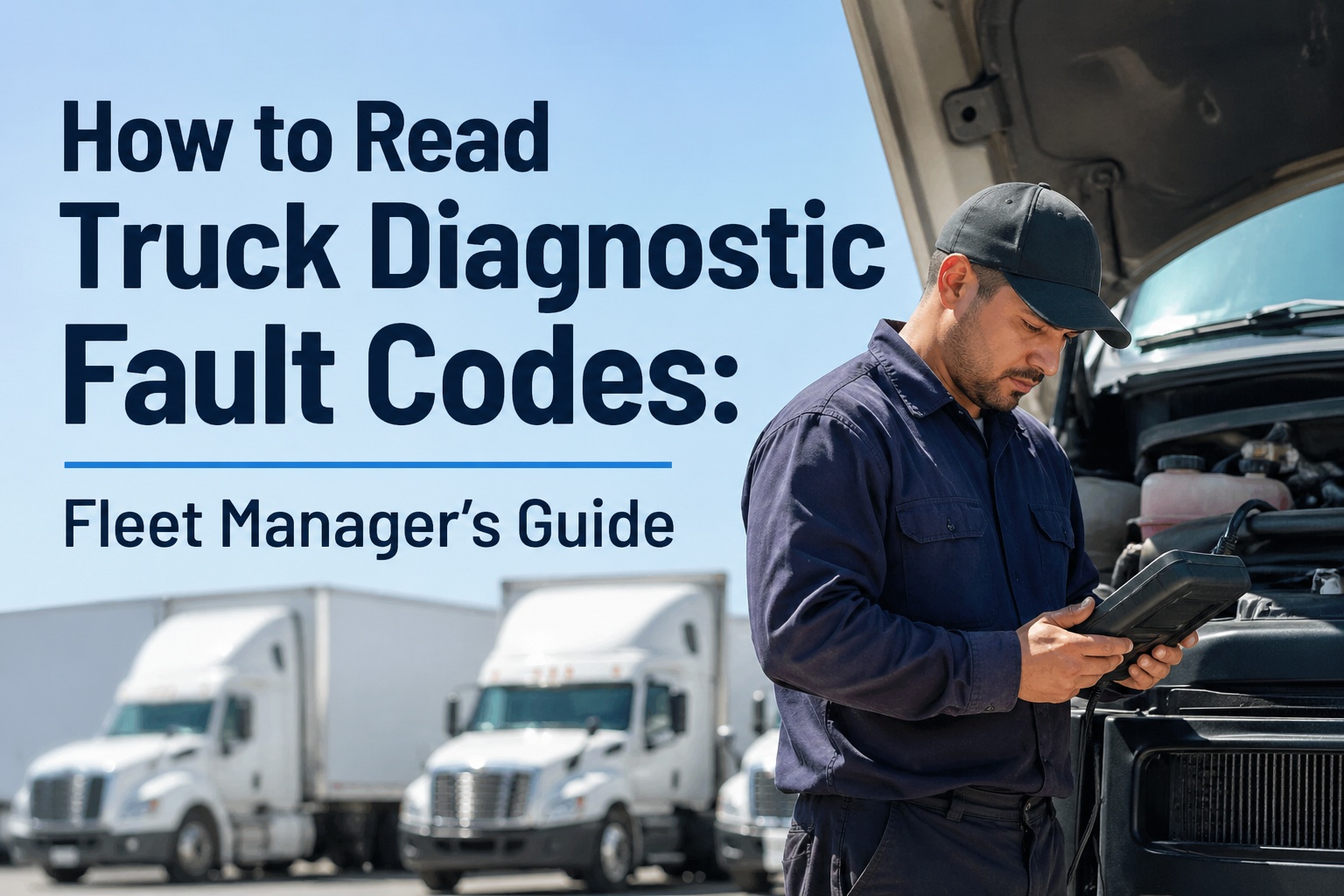
Every modern Class 8 truck on the road is constantly running self-diagnostics — and when something goes wrong, the engine ECM broadcasts a string of numbers that looks like this: SA 0 SPN 100 FMI 1. To an untrained operator, that's gibberish. To a fleet manager who knows how to read it, those nine digits diagnose the exact component, the exact failure mode, and whether to keep driving or shut down immediately. The difference between a $200 sensor replacement and a $45,000 engine rebuild often comes down to whether anyone read that fault code in the first 24 hours.
Heavy-duty trucks don't speak OBD-II — the protocol that powers passenger-car scanners. They speak SAE J1939, a completely different language with 9-pin Deutsch connectors instead of OBD-II's 16-pin port, and a code structure built around three components: Source Address (which computer detected the fault), Suspect Parameter Number (which sensor or system is affected), and Failure Mode Identifier (what kind of fault it is). Once you understand that three-part anatomy, fault codes stop being mysterious and become the most actionable maintenance signal your fleet generates.
This guide decodes the J1939 protocol step-by-step, maps the 21 standard FMI codes, lists the most common SPNs every fleet manager should recognize, and explains how telematics-integrated platforms log fault codes automatically — turning warning-light noise into work orders the moment a defect appears. Start your free trial to log fault codes against every truck in real time.
How to Read Truck Diagnostic Fault Codes: Fleet Manager's Guide
Decode J1939 codes, recognize the 21 FMI failure modes, identify common SPNs, and turn warning lights into work orders. The complete guide for fleet managers, owner-operators, and shop techs.
Quick Answer: What Is a Truck Diagnostic Fault Code?
A truck diagnostic fault code (also called a Diagnostic Trouble Code, or DTC) is a structured digital message generated by an Electronic Control Module (ECM) when it detects abnormal sensor readings, electrical faults, or operating conditions outside normal parameters. Heavy-duty diesel trucks use the SAE J1939 protocol, transmitting codes in three parts: SA (Source Address) identifies which computer detected the fault, SPN (Suspect Parameter Number) identifies the affected component or sensor (1–24,324 standard codes), and FMI (Failure Mode Identifier) identifies the type of failure (0–31). Fault codes appear on the dash, in scanners, and in telematics platforms — and reading them correctly turns the check-engine light from a guess into a precise diagnosis.
The Anatomy of a J1939 Fault Code
Every J1939 fault code follows the same three-part structure. Once you can read each component, any code becomes interpretable — even ones you've never seen before. Contact our support team to walk through how these codes flow into your maintenance dashboard automatically.
FMI Reference Table: All 21 Failure Modes
The FMI is the diagnostic story-teller. Once you know the FMI, you usually know whether you're chasing an electrical issue, a sensor failure, or a real mechanical problem. Here are the 21 standard FMI codes every fleet manager should recognize.
| FMI | Failure Description | What It Usually Means | Severity |
|---|---|---|---|
| 0 | Data Valid, Above Normal — Most Severe | Reading is real, dangerously high (e.g., overheating) | High |
| 1 | Data Valid, Below Normal — Most Severe | Reading is real, dangerously low (e.g., oil pressure) | High |
| 2 | Data Erratic, Intermittent, Incorrect | Sensor signal jumping around — wiring or sensor | Med |
| 3 | Voltage Above Normal / Shorted to High | Open circuit — broken wire or disconnected sensor | Med |
| 4 | Voltage Below Normal / Shorted to Low | Short to ground — wiring or internal failure | Med |
| 5 | Current Below Normal / Open Circuit | Loss of current draw — disconnect or open circuit | Med |
| 6 | Current Above Normal / Grounded Circuit | Excessive current — short or actuator failure | Med |
| 7 | Mechanical System Not Responding | Component received command but didn't move | High |
| 8 | Abnormal Frequency / Pulse Width | Signal timing off — encoder or speed sensor | Med |
| 9 | Abnormal Update Rate | Communication latency or dropped packets | Low |
| 10 | Abnormal Rate of Change | Reading changing faster than physically possible | Med |
| 11 | Root Cause Not Known | Fault detected but undefined — investigate | Med |
| 12 | Bad Intelligent Device or Component | Smart sensor reporting internal error | Med |
| 13 | Out of Calibration | Component needs re-calibration | Low |
| 14 | Special Instructions Required | Check OEM service bulletin for this code | Med |
| 15 | Above Normal — Least Severe | Slightly elevated — monitor, not urgent | Low |
| 16 | Above Normal — Moderately Severe | Elevated reading — schedule service soon | Med |
| 17 | Below Normal — Least Severe | Slightly low — monitor, not urgent | Low |
| 18 | Below Normal — Moderately Severe | Low reading — schedule service soon | Med |
| 19 | Network Data Error | CAN bus communication corruption | Med |
| 31 | Condition Exists / OEM-Specific | Manufacturer-defined fault — consult OEM | Med |
10 Most Common Fault Codes Every Fleet Manager Sees
Across all heavy-duty diesel platforms, certain SPN/FMI combinations show up over and over. Knowing these by heart turns most warning lights into a 30-second triage decision. Sign up free for 3 trucks to auto-log every code against your fleet maintenance history.
J1939 vs OBD-II: Why Truck Codes Are Different
If you've ever tried to plug a passenger-car scanner into a Class 8 truck, you already know — the connector doesn't fit, and even if it did, the protocol wouldn't work. Heavy-duty diesel trucks and passenger cars speak fundamentally different diagnostic languages.
4 Ways to Read Fault Codes
From dashboard menu to professional shop scanner, you have multiple options for accessing fault codes. The right tool depends on whether you're a driver doing pre-trip checks, a fleet manager triaging across vehicles, or a technician diagnosing a specific issue.
Triage Workflow: From Code to Action in 60 Seconds
A fault code appears. What now? Here's the decision flow that turns warning lights into action — without panic and without ignoring real problems. Talk to our support team to build this workflow into your dispatch and maintenance process.
Amber: Continue with caution, schedule service within 24–48 hours.
Frequently Asked Questions
No. Heavy-duty trucks (Class 4–8) use SAE J1939 and the older J1708/J1587 protocols, while passenger vehicles use OBD-II/ISO 15765. The connectors are physically different (9-pin Deutsch vs 16-pin OBD-II), the protocols are completely different, and the code formats don't overlap. You need a scanner specifically designed for heavy-duty applications. Sign up free to bypass scanner shopping entirely with telematics-integrated code logging.
An active code is currently triggering — the fault condition is happening right now. A previously-active (or historic) code was detected at some point but is no longer triggering. This could mean the issue resolved itself, occurs intermittently under specific conditions (certain temps, loads, speeds), or was repaired but the code wasn't cleared from memory. Historic codes still matter — they reveal patterns and help diagnose recurring problems.
Only after the underlying issue is fixed and verified. Clearing codes prematurely hides the problem, voids the diagnostic trail technicians need, and the code will simply re-trigger if the fault is still present. Best practice: log the code, fix the issue, verify the repair under operating conditions, then clear. Contact our support team for help building a code-resolution workflow into your shop process.
FMI 14 is a placeholder the OEM uses when they want to communicate a non-standard failure mode that doesn't fit FMIs 0–13 cleanly. When you see FMI 14, check the manufacturer's service information system (Cummins QuickServe, Detroit DDDL, PACCAR Davie, etc.) for the specific procedure. The fault is real and defined — it just requires OEM documentation to interpret correctly.
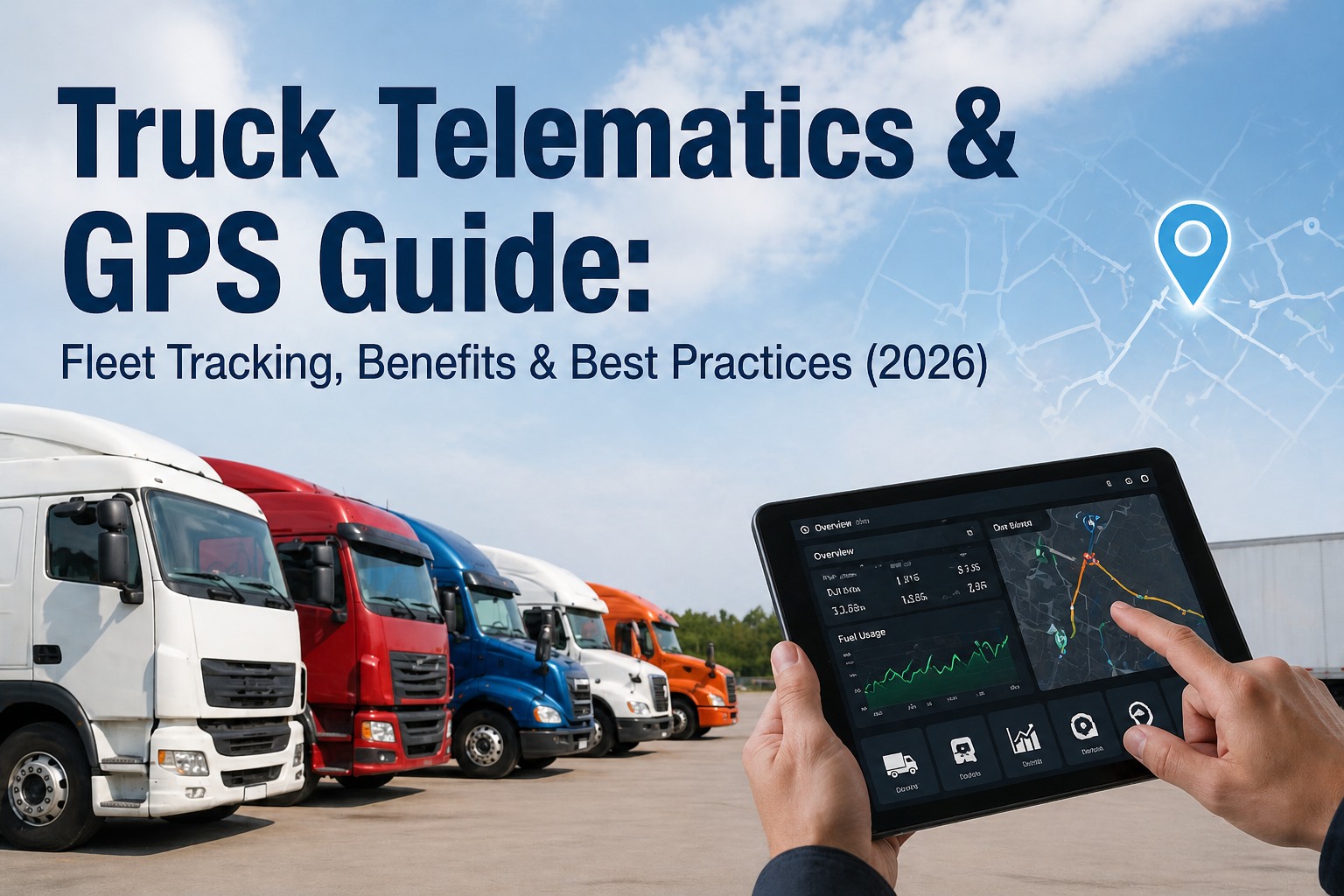
The Telematics Control Unit (TCU) connects to the vehicle's J1939 CAN bus and listens for DM1 broadcast messages — the standard J1939 fault message that streams continuously when codes are active. Modern systems decode SA/SPN/FMI in milliseconds, transmit to the cloud over 4G/5G, and post directly into your fleet maintenance dashboard. Critical codes can auto-create work orders, send SMS alerts, or even prevent dispatch on affected trucks.
One root cause often cascades into multiple symptoms. A bad ground wire can trigger sensor codes across the entire engine harness. A failing temperature sensor can cause both its own SPN/FMI plus emissions and fuel codes that depend on its reading. Always look at the full code list before troubleshooting — fixing the root cause clears 5+ codes simultaneously, while chasing each code individually wastes hours. Start your free trial to see code patterns visualized across your fleet history.
Auto-Log Every Fault Code Across Your Fleet
Telematics-integrated DTC capture, severity-based work order creation, fault pattern history per truck, and full audit trail for warranty claims. See how 500+ fleets turn diagnostic codes into proactive maintenance.